Course Description
This course teaches engineers how to use the Buildings and Urban Habitat Object Model (BHoM) to create finite element models (FEA) using data extracted from Revit
Recommended Pre-Requisites
- BHoM For Structural Engineers – Model Creation 1
- A Basic understanding of Revit
Learning Outcomes
- Understand how to interact with a Revit Model using the BHoM
- Knowledge of how to extract Revit model information to the BHoM
- Experience in creating a Finite Element Model from a Revit Model using Grasshopper and BHoM
Course Features
- Lectures 1
- Quizzes 1
- Duration 52 weeks
- Skill level All levels
- Language English
- Students 10
- Assessments Self
-
Creating a Structural Model from a Revit Model (Using BHoM)
Lecture Chapters:
00:00 – Recap of Previous Session
02:00 – Session Introduction
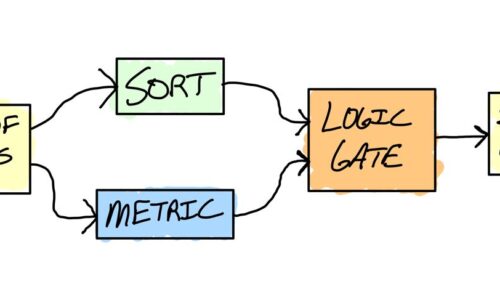
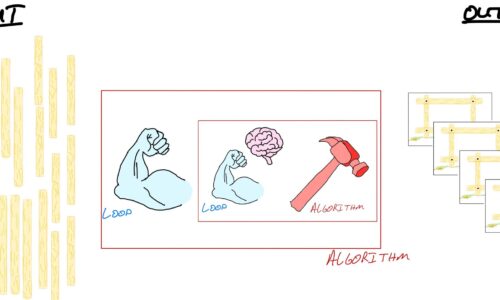
07:00 – Input/Process/Output in Grasshopper
11:20 – Creating Revit Adapter in BHoM
18:00 – Using Github To Understand Revit/BHoM Conversion
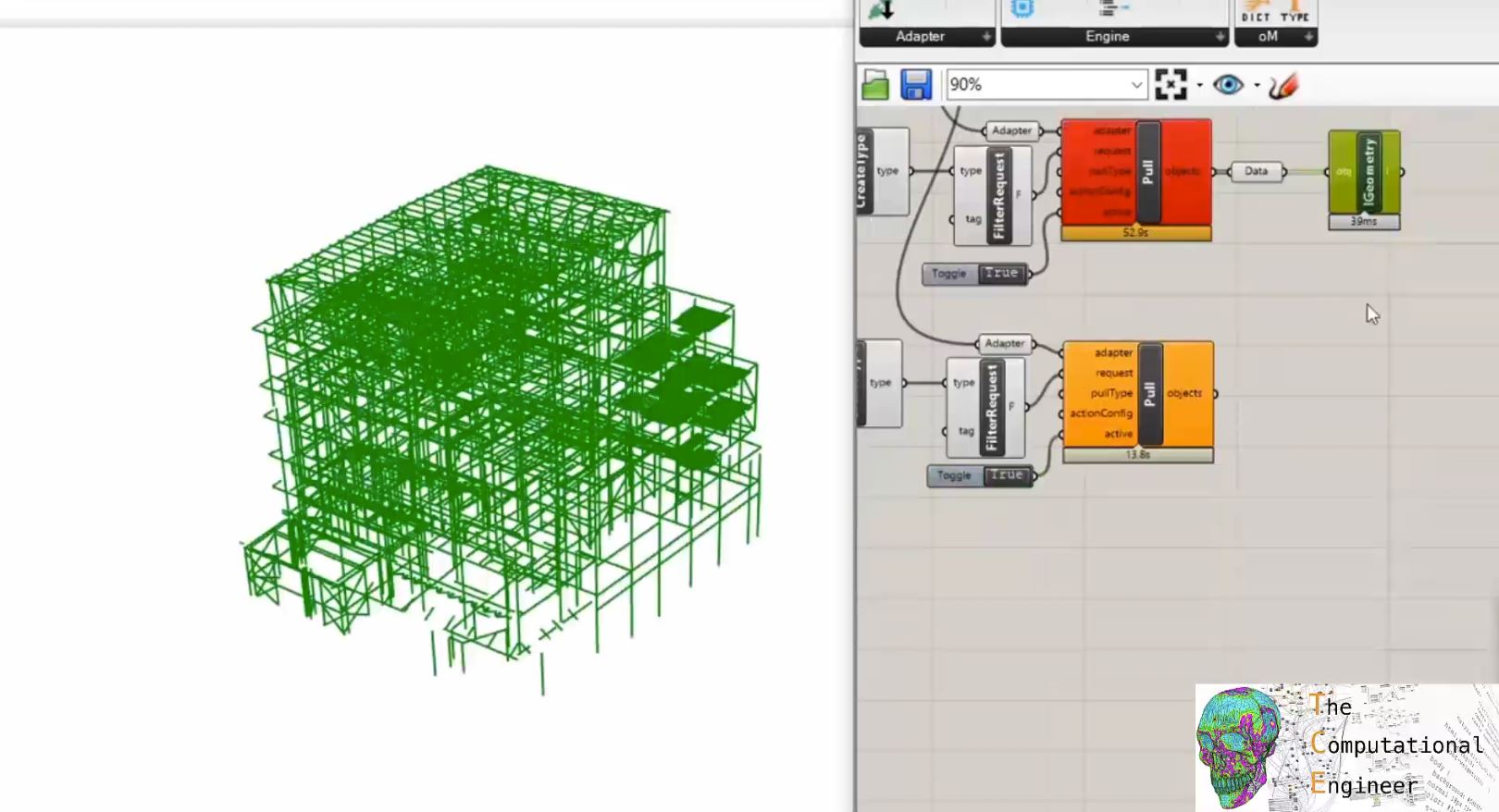
21:00 – Pulling Panels and Bars from Revit
30:00 – BHoM Pull Error Message Debugging
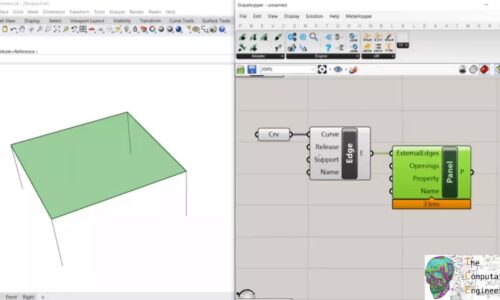
34:00 – Push Revit Geometry to Finite Element Model using BHoM
40:00 – Exposing Revit Element Parameters in BHoM